
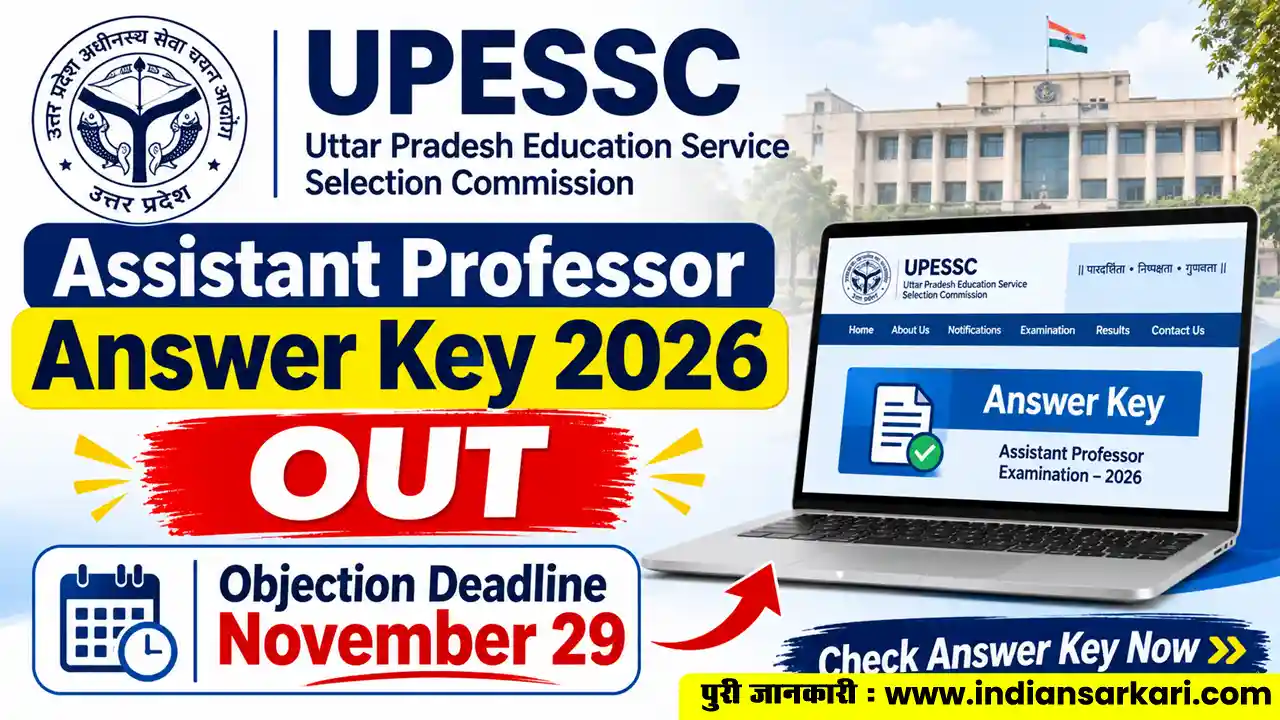
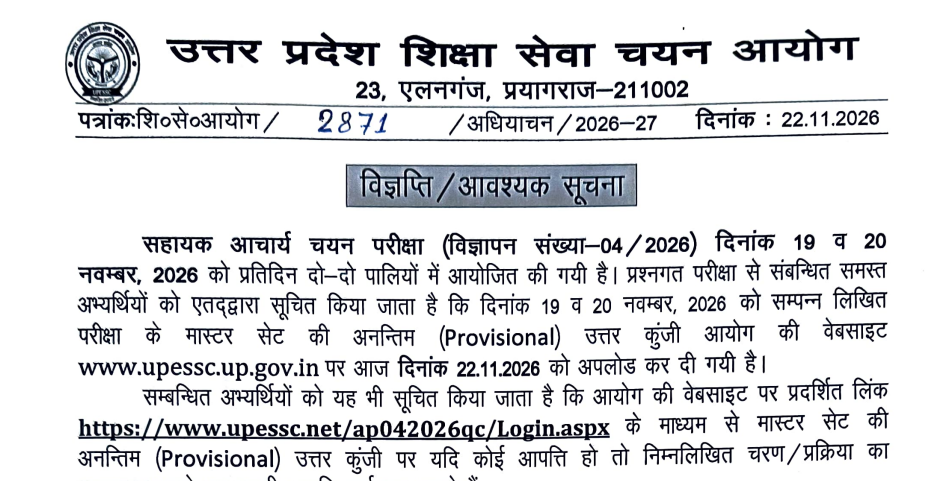
Short Information: UPESSC Assistant Professor Answer Key 2026 Uttar Pradesh Education Services Selection Commission (UPESSC), Prayagraj, has released the tentative answer key for the Written Examination held on November 19 and 20, 2026 for the post of Assistant Professor. Candidates who had appeared in the examination against Advertisement No. 04/2026 can view master answer key of question paper from the official site at www.upessc.up.gov.in.
The tentative answer key has been uploaded on November 22, 2026. However, if there is any discrepancy in the tentative answer key, candidates may file their objections online till November 29, 2026 (11.59 PM). However, for filing objection for every question, a fee of Rs. 100 is required.
A total of 1936 vacancies (1564 vacancies in co-ed colleges and 372 vacancies in ladies colleges) for the post of Assistant Professor have been announced in aided degree colleges in Uttar Pradesh. The examination was held for 42 subjects.
Uttar Pradesh Education Services Selection Commission (UPESSC)UPESSC Assistant Professor Answer Key 2026 |
UPESSC Assistant Professor Answer Key 2026 Overview
| Particulars | Details |
| Commission Name | Uttar Pradesh Education Services Selection Commission (UPESSC) |
| Post Name | Assistant Professor |
| Advertisement Number | 04/2026 |
| Total Vacancies | 1,936 |
| Subjects | 42 |
| Examination Dates | 19 & 20 November 2026 |
| Answer Key Status | Released |
| Answer Key Release Date | 22 November 2026 |
| Answer Key Type | Provisional |
| Objection Start Date | 22 November 2026 |
| Last Date to Raise Objection | 29 November 2026 |
| Last Time for Objection | 11:59 PM |
| Objection Fee | ₹100 per objection |
| Payment Mode | Online |
| Official Website | upessc.up.gov.in |
Important Points to UPESSC Assistant Professor Answer Key 2026
- Last date: November 29, 2026 (11:59 PM)
- Fee: ₹100 per objection (online payment only)
- Mode: Online only — postal or other modes will not be accepted
The objection window will close automatically after the deadline. Candidates are advised to raise objections well before the last date to avoid last-minute technical issues.
How to Download UPESSC Assistant Professor Answer Key 2026
Candidates can follow these steps to access the provisional answer key and Master Question Paper:
- Visit the official UPESSC website at up.gov.in.
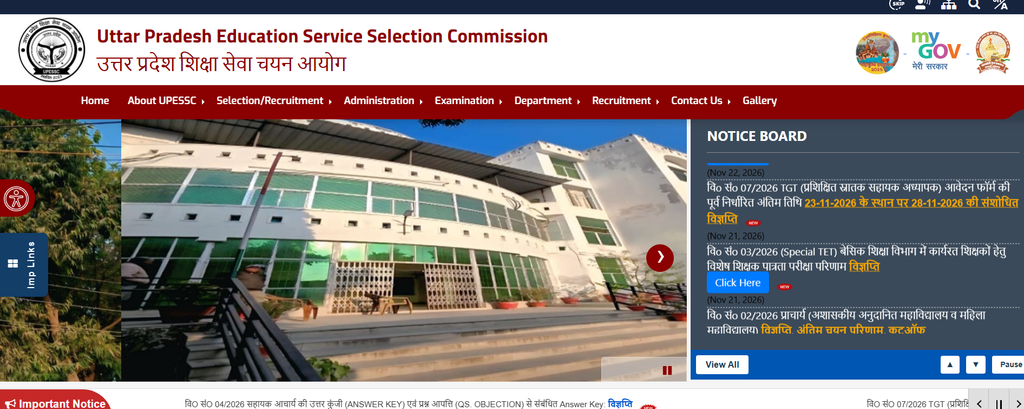
- Open the latest notifications or announcements section on the homepage.
- Find the notice related to Assistant Professor Examination 2026, Advertisement No. 04/2026.
- Open the provisional answer key and Master Question Paper.
- Check the answers against the responses you marked in the examination.
- Download the available document and save it for future reference.
- Candidates should carefully verify the answers before submitting any objection.
How to Raise Objections Against the UPESSC Assistant Professor Answer Key 2026
The Commission has opened a dedicated objection portal. Follow these steps to register your objection:
- Visit the objection portal — https://www.upessc.net/ap042026qc/Login.aspx
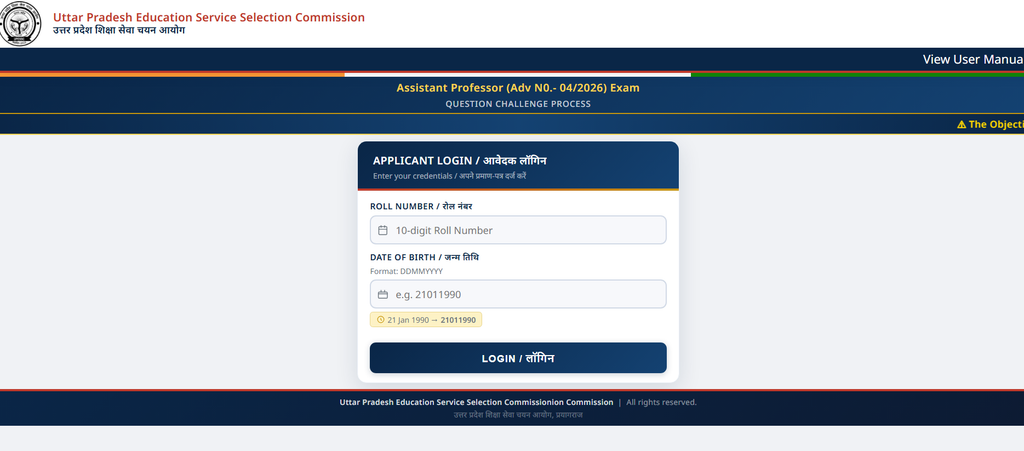
- Log in using your Roll Number and Date of Birth (in DDMMYYYY format)
- Select the question you want to challenge
- Choose the objection type from the drop-down menu
- Provide justification or reference in the text box (documentary proof from standard textbooks/NCERT may be required)
- Pay ₹100 per objection online to complete the submission
- You can view and print the objection summary report
Candidates can submit more than one objection. The objection summary can be viewed by clicking on “view objection summary” and printed using the print icon.
| Join Our WhatsApp Channel | Follow Now |
| Join Our Telegram Channel | Follow Now |
| Join Our Facebook Page | Follow Now |
Important Link UPESSC Assistant Professor Answer Key 2026
| Answer Key Check Link | Click Here |
| Download Official Notification | Click Here |
| Official Website | Click Here |
FAQs for UPESSC Assistant Professor Answer Key 2026
Q1. When was the UPESSC Assistant Professor answer key released?
The provisional answer key for the Assistant Professor exam (Advt. No. 04/2026) was released on November 22, 2026, on www.upessc.up.gov.in.
Q2. Which exam does this answer key belong to?
It belongs to the Assistant Professor written exam held on November 19 and 20, 2026, under Advertisement No. 04/2026, for 1,936 posts.
Q3. What is the last date to raise objections?
The last date is November 29, 2026, up to 11:59 PM. The objection facility will close automatically after that.
Q4. How much is the objection fee?
Candidates must pay ₹100 per objection online for successful submission.
Q5. How can I raise an objection?
Log in to the objection portal — https://www.upessc.net/ap042026qc/Login.aspx — using your Roll Number and Date of Birth (DDMMYYYY), select the question, choose the objection type, provide justification/reference, and pay the fee online.
Q6. Can I send objections by post or email?
No. Objections will be accepted only online through the official link. Postal or other modes will not be accepted.
Q7. Can I raise more than one objection?
Yes. Candidates can submit one or more objections and can view or print the objection summary report.
